

Nomini login: signing in to your account
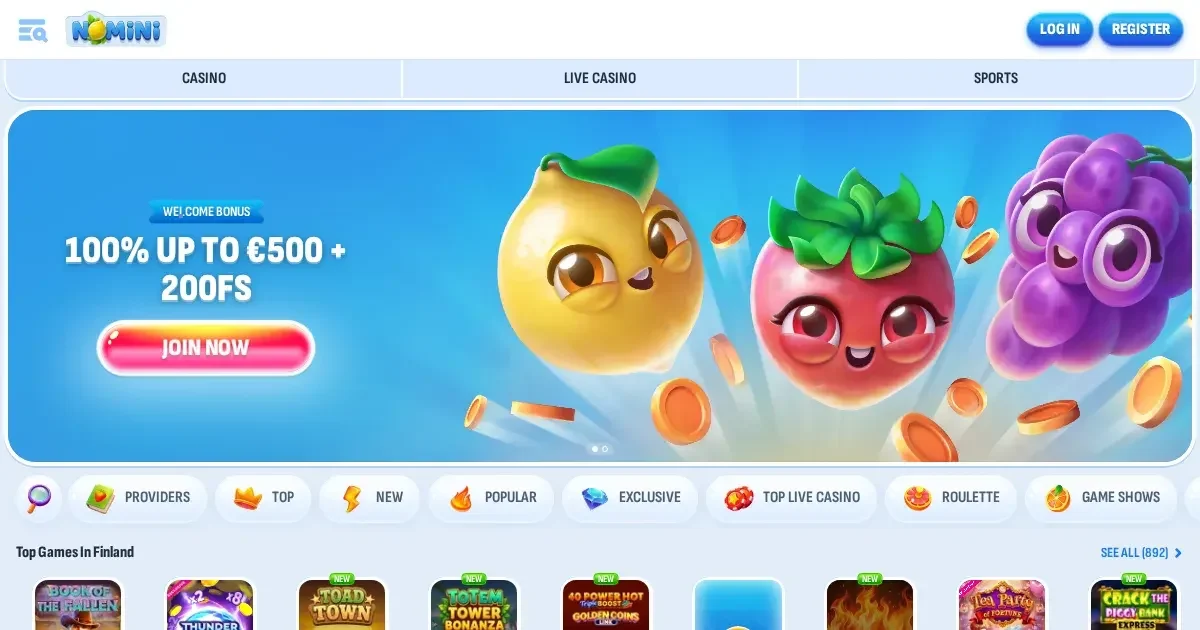
















Your account lives at the operator's own platform, not on this portal. Only the operator can verify, restore or unblock access. This page explains how signing in works at Nomini and what to do when it doesn't.
Signing in, step by step
- Open the operator's site in your browser.
- Find and click the sign-in button.
- Enter the email address you used at registration.
- Enter your password.
- Confirm to reach your account.
No account yet? Registration happens at the operator too.
What signing in looks like on a phone
The operator's site works in a mobile browser. Use the same email and password as on desktop—one account, every device. Sign in through the site's own menu, usually a button near the top of the screen.
What to do when it fails
A refused login usually comes down to one of these:
- Wrong credentials. Check the email matches what you registered with. Re-type the password carefully—browsers sometimes autocomplete the wrong one.
- Caps lock. Passwords are case-sensitive.
- Unverified account. The operator may block access until you upload documents. Check your email for a verification request.
- Self-exclusion active. An account closed under self-exclusion stays closed for the period you chose. No override exists, and that's deliberate—if gambling has stopped being entertainment, BeGambleAware.org offers free, confidential support.
- Inactive account fee applied. If an account is not logged into for 180 days, a 5 EUR administration fee is charged each month. Enough unpaid fees can freeze access—contact support to resolve it.
- Browser session issue. Clear your cookies, try a different browser, or restart your device.
Forgotten passwords
Request a reset link through the operator's site. You'll receive an email at the address used during registration. Follow the link, set a new password, and sign in.
If that email address is no longer reachable, contact the operator's support team directly. They'll verify your identity and help you regain access. Have your registration details ready.
Why an account gets blocked
Access restrictions happen for specific reasons. Here's what causes them and what they mean:
| Cause | What happens |
|---|---|
| Verification pending | Access limited until documents are provided within 30 days of request. The operator verifies within 10 days after receipt. |
| Self-exclusion | Account closed for the chosen period. No early reversal. |
| Inactivity | After 180 days without login, monthly fees apply. Unpaid fees can freeze the account. |
| Suspected terms breach | The operator investigates. Access restored or permanently restricted depending on findings. |
Who to contact
Problems with your account go to the operator, not to this portal. Reach them through:
- Live Chat – available 24/7
- Email – response times vary
Before writing, have this information ready: the email address you registered with, when the problem started, and the exact message shown on screen. The clearer your description, the faster support can help.
Keeping access safe
Sign in only at the operator's own address—type it yourself or use a saved bookmark. Never follow a link from an email or message claiming to be from the operator; phishing sites mimic real ones closely.
Use a password unique to this account, not one shared with other sites. If you share a device, sign out when you're done. Two-factor authentication adds another layer—enable it if the operator offers it.
Access to this content is restricted to persons aged 18 and over (18+). Gambling should be entertainment, not an obligation. If it ever stops feeling like fun, free confidential support is available through BeGambleAware.org, GamCare (National Gambling Helpline: 0808 8020 133, free, 24/7), and GamStop for national self-exclusion.
This page is for information purposes only. We are not a casino operator, a bookmaker or an organiser of gambling activity. We have no access to player accounts and cannot restore, verify or unblock them. All account issues must be directed to the operator's own support channels. You must be 18 or over (18+) to access gaming sites. For free, confidential help with gambling, visit BeGambleAware.org.
Last updated:
Frequently asked questions
How do I sign in to my Nomini account?
Open the operator's site, click the sign-in button, and enter the email and password you used at registration. The account works on desktop and mobile with the same credentials.
What should I do if I've forgotten my password?
Request a password reset through the operator's site. You'll receive a reset link at your registration email. If that email address is no longer accessible, contact support with your registration details.
Why won't my login work?
Common causes include wrong credentials, caps lock on, an unverified account, or self-exclusion in force. Check your details carefully, clear your browser cookies, and contact support if the problem persists.
Can I sign in from my phone?
Yes. The operator's site works in a mobile browser using the same email and password as on desktop. One account works across all devices.
Game Providers